SpringBoot
[SpringBoot]스프링 웹 개발 기초(김영한 / 스프링 입문)
bangle0621
2021. 1. 23. 19:22
정적 컨텐츠
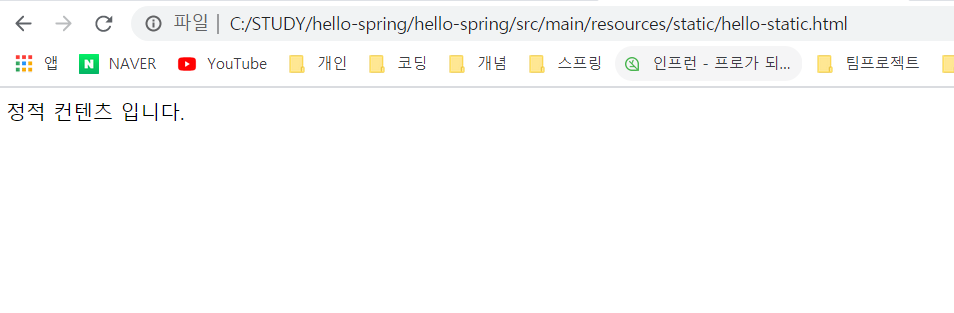
정적인 데이터. HTML 에 저장이 되어있는 데이터를 그대로 화면에 전달한다.
<!DOCTYPE html>
<html lang="en">
<head>
    <meta charset="UTF-8">
    <title>Title</title>
</head>
<body>
정적 컨텐츠 입니다.
</body>
</html>

MVC와 템플릿 엔진
JSP나 PHP. 뷰에 데이터를 보내어 사용한다 .
  @GetMapping("hello-mvc")
    public String helloMvc(@RequestParam("name") String test, Model model) {
        model.addAttribute("name",test);
        return "hello-template";
    }
"name"이라고 되어있는 부분이 호출할 때의 이름이다.

두 부분이 일치하지 않으면 오류가 뜬다.
해당 방법은 test2가 화면에 뜨는 방식이 아닌 get방식으로 url에 입력된 값을 가져온다.
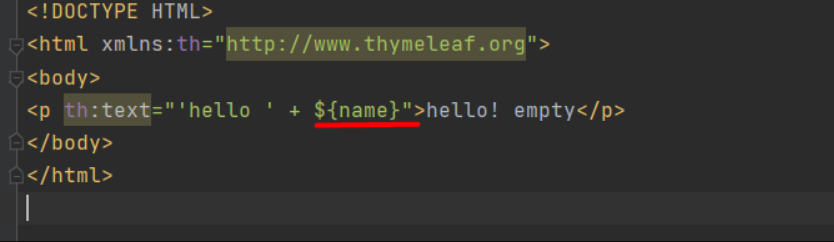
저 부분엔 key 의 이름을 적어줘야 값을 맵핑하여 가져올 수 있다.
<!DOCTYPE HTML>
<html xmlns:th="http://www.thymeleaf.org">
<body>
<p th:text="'hello ' + ${name}">hello! empty</p>
</body>
</html>
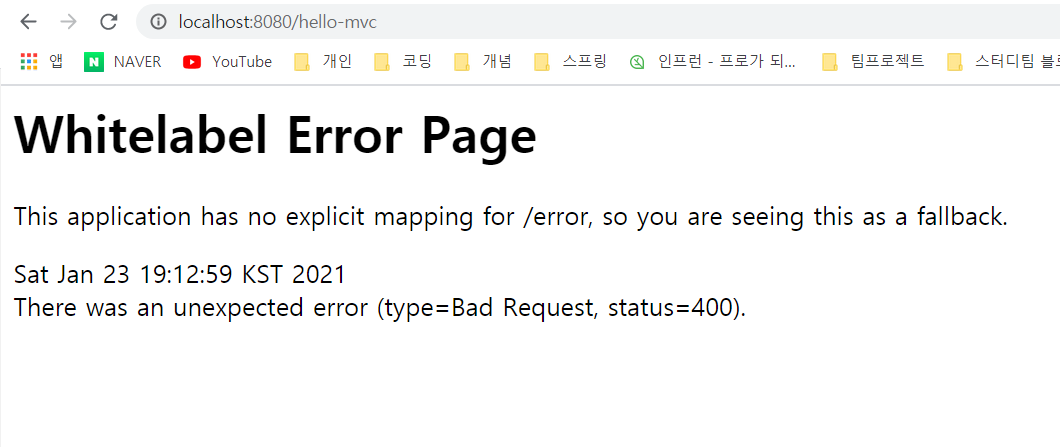
이전과는 달리 화면이 뜨질 않는다.
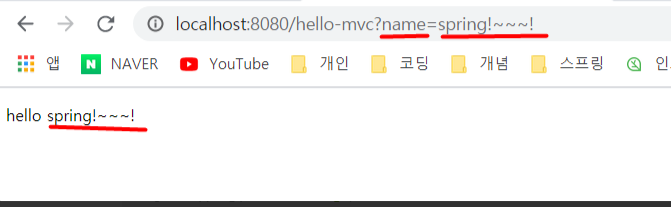
name(key)= {name}에 들어갈 내용
이렇게 값을 넣어줘야지 화면이 나온다.
API
@GetMapping("hello-string")
@ResponseBody
    public  String helloString(@RequestParam("name") String name){
        return "hello " + name;
    }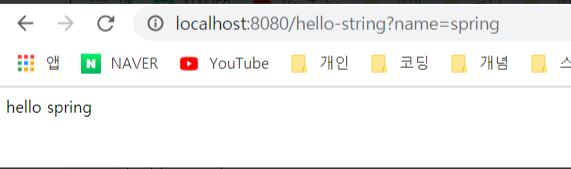
소스 보기를 해도 html이 아닌 내용만 나온다.

@GetMapping("hello-api")
    @ResponseBody
    public Hello helloApi(@RequestParam("name") String name){
        Hello hello = new Hello();
        hello.setName(name);
        return hello;
    }

    static class Hello{
        private String name;

        public String getName() {
            return name;
        }

        public void setName(String name) {
            this.name = name;
        }
    }
static 을 사용하여 Hello라는 클래스를 사용할 수 있게 만들어주고, name을 getter setter를 통해 빈으로 사용할 수 있게 만들어 주었다.
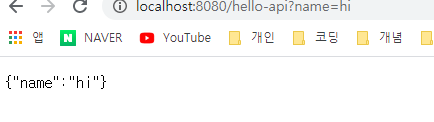
json 형태로 key:value 값으로 출력되어 나온다.